 SEO & Accessibility
 AI
 Localization
 Ecommerce
 Forms
 Fields
 Development
 Security
 Templating
 Performance
 Control Panel
 Widgets
 Assets
 Utilities
 Mailer Adapters
 Social Networking
 Integrations

A more comfortable Craft control panel
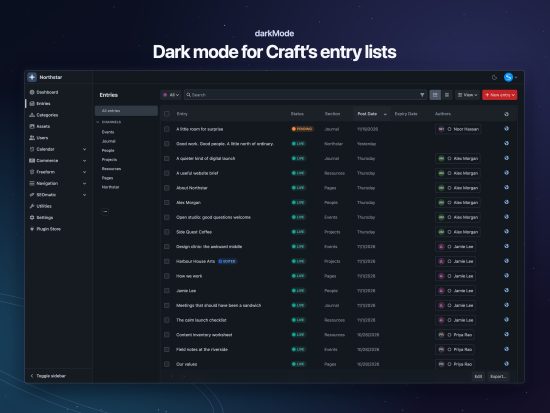
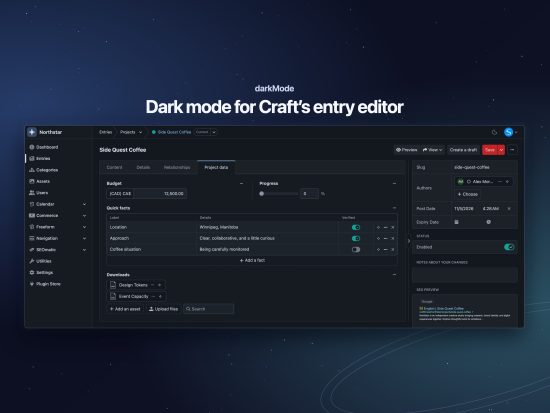
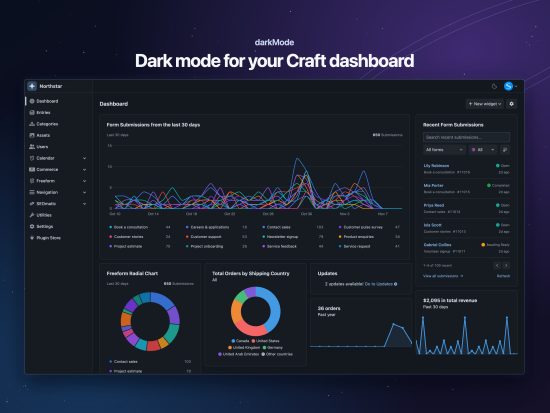
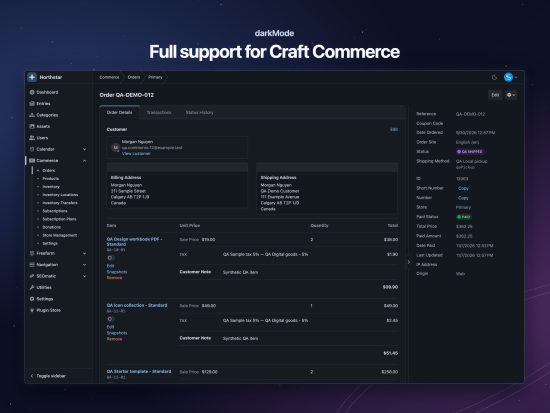
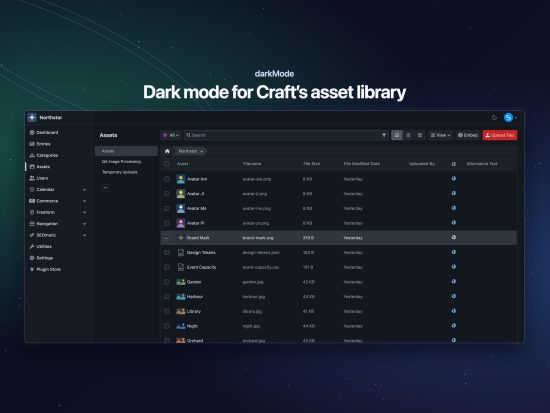
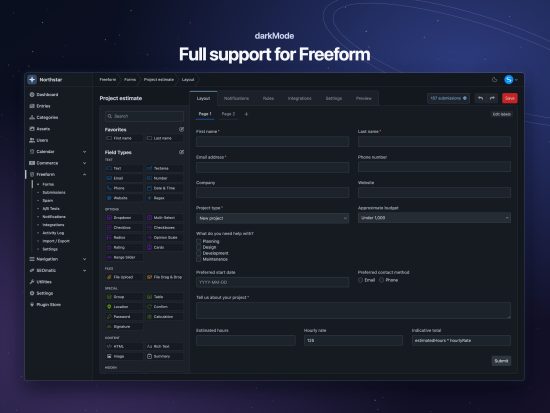
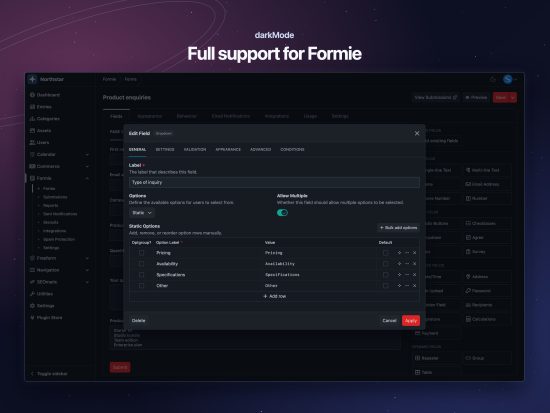
darkMode brings a carefully considered dark mode appearance to Craft CMS, with quiet surfaces, readable text, and compatibility styles for many popular plugins.
Choose the appearance that suits your workspace, your screen, or the time of day. Each user has their own preference, so everyone on your team can work comfortably.
Auto, Light, or Dark
Click the appearance icon beside your account avatar to cycle through three modes:
- Auto follows your operating system's appearance and responds when it changes.
- Light uses Craft's familiar light appearance.
- Dark applies a coordinated dark palette throughout the control panel.
Your choice is saved to your Craft user account and synchronized across tabs on the same installation.
Designed around Craft
darkMode preserves Craft's familiar layouts, typography, controls, and keyboard interactions. Its palette gives backgrounds, panels, menus, inputs, tables, and dialogs a consistent appearance while retaining meaningful status and validation colours.
The details receive attention too: subtle borders, clear hover states, visible keyboard focus, readable placeholders, and icons that remain distinguishable against darker surfaces.
Your website previews, uploaded images, and explicitly authored content colours retain their appearance.
Built for plugin-rich projects
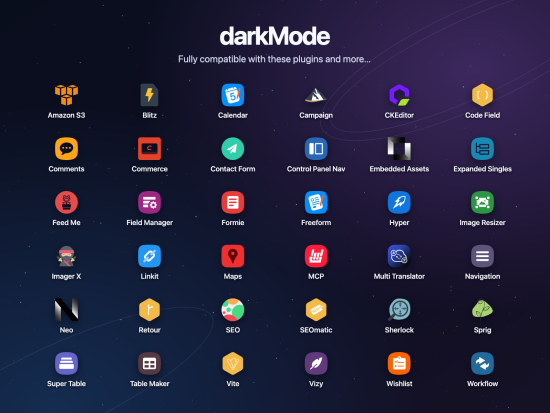
A Craft project often includes more than Craft itself. darkMode includes scoped compatibility styles for interfaces that need additional attention, including plugins such as:
- Craft Commerce
- Freeform
- Calendar
- Formie
- Hyper
- Navigation
- Neo
- Vizy
- CKEditor
- SEOmatic
- Feed Me
- Retour
These integrations address surfaces such as field editors, builders, settings screens, menus, and dashboard widgets. Compatible interfaces that already use Craft's semantic colour variables can inherit the theme naturally.
Compatibility varies by plugin version and component. Custom interfaces and independently styled embedded content may need additional integration work. See the compatibility guide for reviewed versions and coverage.
Personal preferences, shared installation
darkMode fits into an existing Craft workflow:
- Per-user appearance: each team member chooses their own mode.
- System-aware switching: Auto responds to operating-system appearance changes.
- Persistent preferences: your choice follows your Craft account on that installation.
- Cross-tab synchronization: appearance changes stay coordinated across open tabs.
- Translated controls: appearance labels follow the user's control-panel language, with right-to-left support.
Straightforward installation
Install darkMode from the Craft Plugin Store and choose your appearance from the control panel's top bar.
There are no assets to compile and no theme configuration required to get started. Developers can also install the package through Composer and extend compatibility using the documented integration hooks.
Requirements
- Craft CMS 5.9 or later
- PHP 8.2 or later
- A current version of Chrome, Edge, Firefox, or Safari
Free and open source
darkMode is developed by Solspace and released under the MIT license. It is free to use in your Craft projects.
Explore the documentation, browse the source code, or contact Solspace support for help.
To install this plugin, copy the command above to your terminal.
This plugin doesn't have any reviews.