 SEO & Accessibility
 AI
 Localization
 Ecommerce
 Forms
 Fields
 Development
 Security
 Templating
 Performance
 Control Panel
 Widgets
 Assets
 Utilities
 Mailer Adapters
 Social Networking
 Integrations

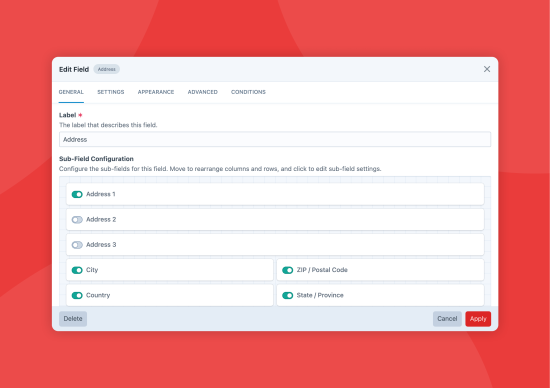
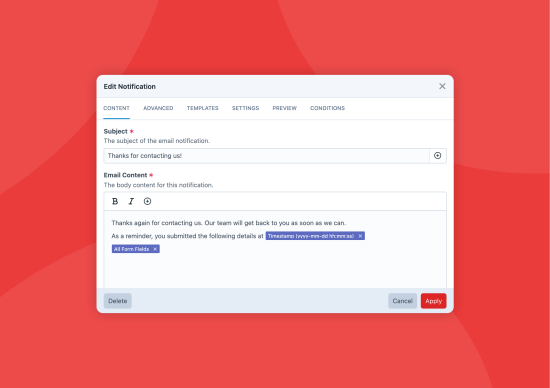
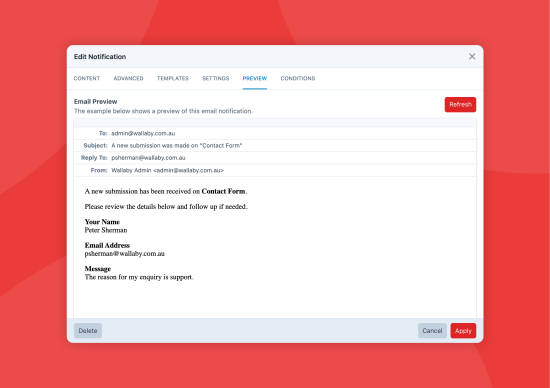
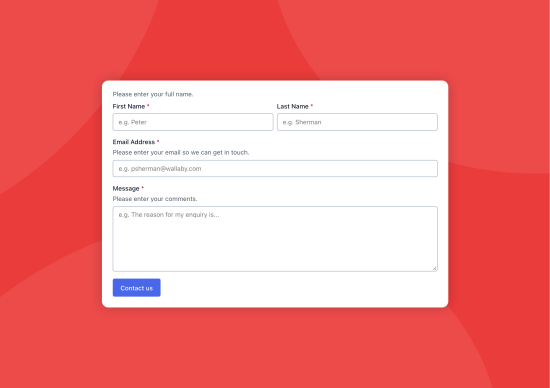

Formie helps you build user-friendly forms that content editors can manage themselves, with a drag-and-drop builder, more than 30 field types, multi-page support and email notifications.
Features
- Build forms in a drag-and-drop builder with columns and a live preview.
- Split complex forms across several pages, or keep simple ones on one.
- Start new forms from Stencils, which include your form settings, fields and notifications.
- Organise forms into groups with their own allowed statuses, field palettes, new-form defaults and permissions, including optional permissions for each form.
- Label each form as active, draft or archived, separately from submission statuses.
- Translate form copy for each site, with site-aware propagation.
- Show a success message after a form is submitted, redirect to an entry or URL, or stay on the same page.
- Submit forms with a page reload or asynchronously with Ajax.
- Let visitors save an incomplete submission and come back to it later.
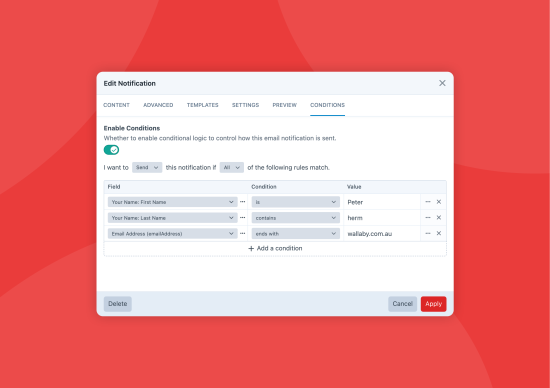
- Add conditions to pages, fields, buttons and email notifications.
- Limit submissions per form, IP address or signed-in user over a chosen period.
- Capture the referrer, user agent, tracking cookies and custom data with each submission, for use in notifications, integrations and PDFs.
- Send GTM, GA4, Meta and custom tracking events for each page, using values from the submission.
- Store submissions in the control panel so you can review them later.
- Block spam with keyword blocking, submission guards, throttling, email rules, suspicious text detection and captcha providers.
- Run integrations one after another or in the queue, with conditions, timing controls and result variables.
- Create and manage integrations for each site on production, without a project config deploy.
- Migrate from Solspace Freeform or Sprout Forms with the migration assistants.
- Import submissions with Feed Me.
Fields
- Choose from more than 30 field types, from text, dropdowns and checkboxes to addresses, file uploads, signatures, calculations, and Repeater, Table and Group fields.
- Build scored quizzes and surveys with radio, checkbox, dropdown, Likert, rating and ranking questions, and see response breakdowns and quiz summaries in the Results tab.
- Control each field's appearance, default value and behaviour with its own settings.
- Customise submit buttons, including several submit buttons on multi-page forms.
- Pick from existing fields when building a form.
- Fill Dropdown, Checkboxes and Radio Buttons fields from more than 25 preset option lists, such as countries, states, languages, currencies, days and months.
- Create synced fields once and use them across forms.
- Show or hide fields based on other fields' values.
- Show, hide or disable any field for the people filling in the form.
- Encrypt sensitive field content in the database.
- Require one field to match another, such as a "confirm email" field.
- Lock important field settings and leave notes for content editors.
- Collect files with a simple native upload field, or an upload manager with drag-and-drop, staged uploads and progress.
Email Notifications
- Send several email notifications per form, so staff and customers both hear about a submission.
- Insert submission values with variable pickers instead of writing Twig in field settings.
- Set multiple recipients, reply-to, CC, BCC and more for each notification.
- Attach uploaded files to email notifications.
- Attach custom PDF templates to emails automatically.
- Convert HTML emails to plain text automatically.
- Preview emails before they're sent.
- Send test emails to check delivery and see real-world results.
- Resend email notifications from any submission.
- Send or skip an email notification based on field values.
- Send to different recipients based on field values.
Sent Notifications
- Keep a record of every email notification Formie sends, including the exact email.
- Resend a sent notification to the same recipient or a different one.
Reports
- Save views of submissions with filters, summary counts and charts.
- Choose columns, export on demand (CSV, Excel, JSON, XML or text) and queue large exports in the background.
- Email a summary and export attachment on a daily or weekly schedule.
Templates
- Render forms with one line of Twig, using the included templates, CSS and JavaScript, which follow accessibility and usability best practices.
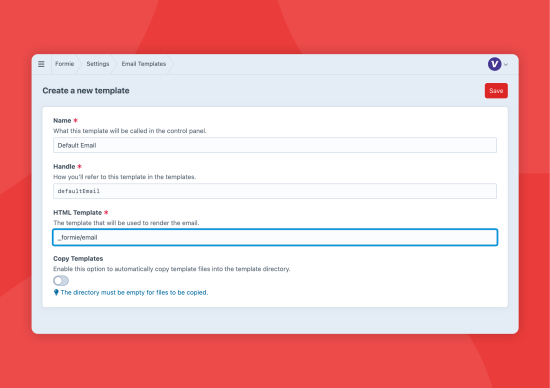
- Override the templates for forms, pages and fields, and change how fields appear in email notifications.
Theming
- Theme forms without writing custom templates.
- Configure each part of a form, from the
<form>element to individual fields and submit buttons. - Control the HTML tags and attributes Formie outputs.
- Work with utility CSS frameworks such as Tailwind or Bootstrap, starting from the ready-made Tailwind and Bootstrap theme configs.
Privacy & Data Retention
- Set how long to keep submissions, in hours, days, weeks, months or years.
- When a user linked to submissions is deleted, delete their submissions or transfer them to another user, as with entries and other Craft elements.
- Choose whether to keep file uploads when a submission is deleted, with retention settings for each file upload field.
Headless
- Use the
@verbb/formie-browser,@verbb/formie-react,@verbb/formie-vueand@verbb/formie-web-componentspackages for browser, React, Vue and web-component front ends. - Build headless forms with GraphQL queries and mutations.
- Query forms with all their settings, pages, rows and fields.
- Query submissions to show them on your site.
- Create submissions with mutations from a headless front end.
- Explore the open-source Vue 3 Demo Project and its Demo Site.
Import/Export
- Export forms as JSON, including pages, settings, fields and site overrides.
- Import forms on the same install or on another environment.
Support Requests
- Send a support request to the Verbb team from a dedicated area in the control panel.
- Include the details we need to help with a form issue in each request.
Field Types
- Address
- Agree
- Calculations
- Categories
- Checkboxes
- Commerce Products
- Commerce Variants
- Date/Time
- Dropdown
- Entries
- File Upload
- Group
- Heading
- Hidden
- HTML
- Multi-Line Text
- Name
- Note
- Number
- Password
- Payment
- Phone Number
- Quiz
- Radio
- Recipients
- Repeater
- Section
- Signature
- Single-Line Text
- Summary
- Survey
- Table
- Tags
- Users
Integrations
Connect forms to third-party services, or create your own integrations through the Integrations API.
Address Providers
- Address Finder (AU/NZ)
- Google Places
- Loqate
- PlaceKit
Automations
- IFTTT
- Make
- n8n
- Web Request
- Zapier
Captchas
- Akismet
- Captcha.eu
- CleanTalk
- Cloudflare Turnstile
- Friendly Captcha
- hCaptcha
- OOPSpam
- Question
- reCAPTCHA v2 (Checkbox and Invisible)
- reCAPTCHA v3
- reCAPTCHA v3 (Enterprise)
- Snaptcha Plugin
CRM
- 1CRM
- ActiveCampaign
- Agile CRM
- Attio
- Avochato
- Capsule CRM
- CiviCRM
- Copper CRM
- Dotdigital
- Flowlu
- Freshsales
- HubSpot
- Infusionsoft
- Insightly
- Iterable
- Klaviyo
- Marketo
- Maximizer
- Mercury
- Microsoft Dynamics 365
- NoCRM
- Outseta
- Pardot
- Pipedrive
- Pipeliner
- Procurios
- Salesflare
- Salesforce
- Salesmate
- Scoro
- SharpSpring
- SugarCRM
- SuiteCRM
- vCita
- Xero CRM
- Zoho
Elements
- Commerce Products
- Entries
- Events Plugin
- Solspace Calendar Events
- Users
Email Marketing
- ActiveCampaign
- Adestra
- AWeber
- Beehiiv
- Benchmark
- Brevo (Sendinblue)
- Campaign Monitor
- Campaign Plugin
- CleverReach
- Constant Contact
- ConvertKit
- Customer.io
- Drip
- Ecomail
- EmailOctopus
- GetResponse
- iContact
- Iterable
- Klaviyo
- Mailchimp
- Mailcoach
- MailerLite
- Mailjet
- Moosend
- Omnisend
- Ontraport
- Ortto (Autopilot)
- Sender
- Vero
Help Desk
- Freshdesk
- Front
- Gorgias
- Help Scout
- Intercom
- LiveChat
- Zendesk
Messaging
- Discord
- Plivo
- Slack
- Telegram
- Twilio
Miscellaneous
- ClickUp
- Google Sheets
- Monday
- Recruitee
- Trello
Payments
- BPOINT
- Eway
- GoCardless
- Mollie
- Moneris
- Opayo
- Paddle
- PayPal
- PayWay
- Square
- Stripe
Standard
Plus $49/year after one year.
Installation Instructions
To install this plugin, copy the command above to your terminal.
10 Reviews All reviews
4.6/ 5
Active Installs
18,875
License
Craft
Last release
November 17, 2026
Activity (30 days)
121
Closed Issues
10
Open Issues
1
Merged PRs
3
Open PRs