 SEO & Accessibility
 AI
AI Localization
 Ecommerce
 Forms
Forms Fields
 Development
 Security
 Templating
 Performance
 Control Panel
 Widgets
 Assets
 Utilities
 Mailer Adapters
 Social Networking
 Integrations
Product Feeds
Build auto-updating product feeds for shopping and social platforms from Craft Commerce variants, Craft entries, or custom sources.
Overview
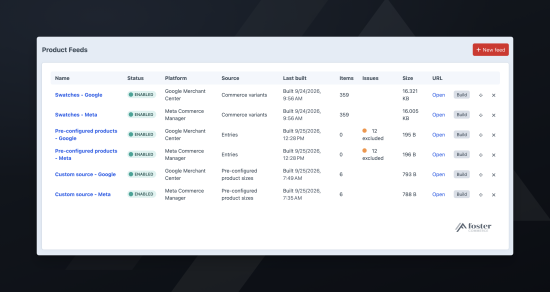
- Publish feeds for Google, Meta, Microsoft, Pinterest, TikTok, and Klaviyo, each from a stable URL the platform fetches on a schedule.
- Build a feed from Commerce variants, with SKU, price, and stock taken from Commerce, or from entries when you advertise a page rather than a product.
- Write a custom source in a module or plugin to publish items the built-in sources cannot, such as one item for each size an entry offers.
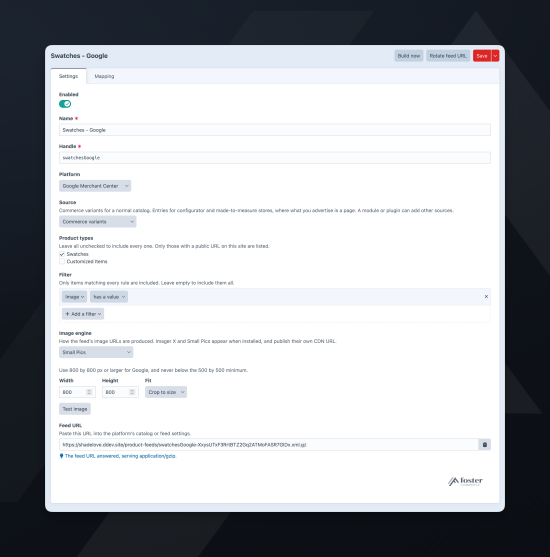
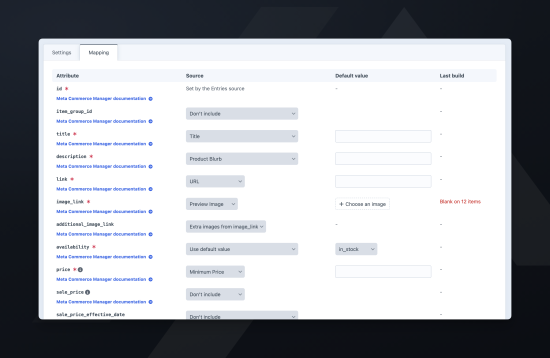
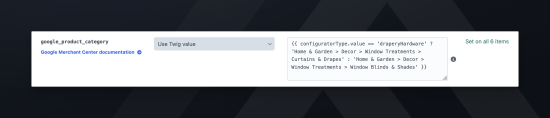
- Map each platform attribute to a product property, a Craft field, a default value, or a Twig template.
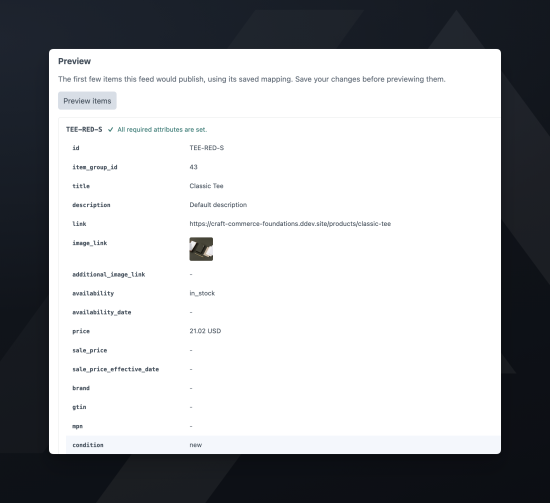
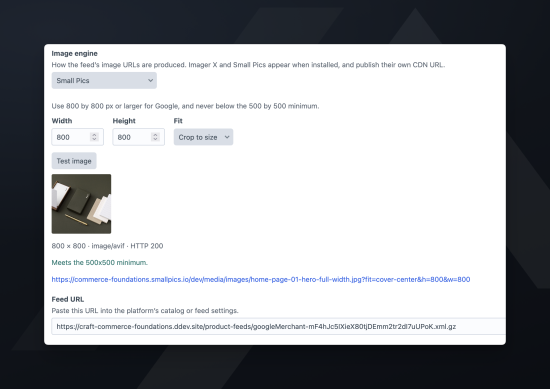
- Check a feed before the platform does: preview its items, see which attributes were blank or invalid on the last build, and test an image against the platform's minimum size.
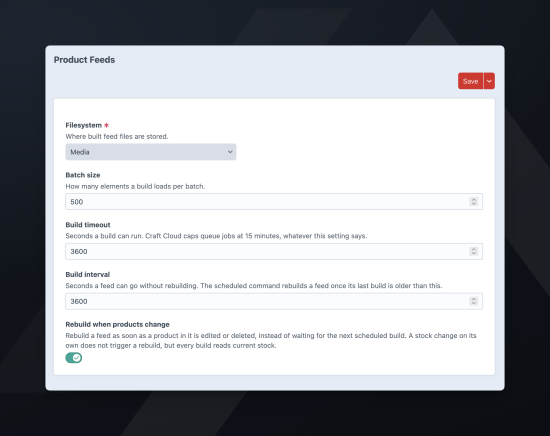
- Keep each feed current, rebuilt on a schedule and whenever a product or entry in it changes.
- Split one catalog across several feeds (one per brand, one for items on promotion).
Platforms
Each feed targets one platform: Google, Meta, Microsoft, Pinterest, TikTok, or Klaviyo. The platform sets which attributes the feed has, and the maximum length of each text value.
Each feed also has its own image engine and size, so a Pinterest feed can send portrait images while a Google feed sends square ones from the same Assets field. The image engine can be the asset's own URL, a Craft transform, Imager X, or Small Pics.
Sources
A feed's data can come from Commerce variants, with SKU, price, and stock from Commerce, or from entries when you advertise a page rather than a product. To limit a feed to part of the catalog, add rules to its Filter.
Mapping
Each attribute can get mapped to a native value, a Craft field, a default value, or a Twig template. After each build, every attribute reports how many items were blank or invalid, and Excluded items lists what the build left out and why.
Standard
Plus $57/year after one year.
To install this plugin, copy the command above to your terminal.
This plugin doesn't have any reviews.