 SEO & Accessibility
 AI
AI Localization
 Ecommerce
 Forms
Forms Fields
 Development
 Security
 Templating
 Performance
 Control Panel
 Widgets
 Assets
 Utilities
 Mailer Adapters
 Social Networking
 Integrations
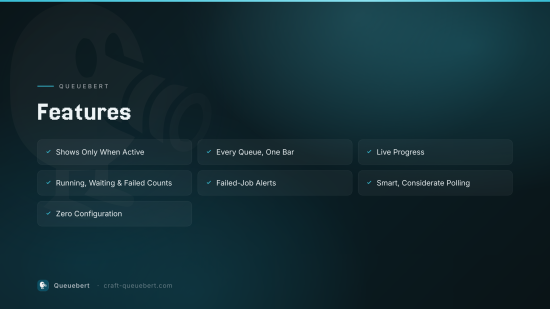
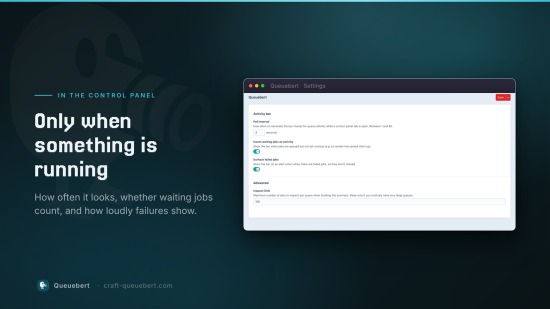
A live control-panel bar for Craft CMS 5 that surfaces running and queued jobs — across Craft's default queue and any custom queue runners — and shows up only while there's queue activity.
When jobs are running or waiting, a slim bar slides in at the top of the control panel with the current job's description, a progress indicator, and running/waiting/failed counts. When the queues go quiet, the bar disappears.
How it works
Queuebert injects a lightweight poller into every control-panel page. It calls
queuebert/queue/info, which asks Craft for the primary queue plus every
application component implementing craft\queue\QueueInterface (custom queue
runners are conventionally registered as app components in config/app.php),
and aggregates their job info.
The bar only shows the same information Craft's own queue HUD already exposes: job counts, the current job's description, and its progress.
To install this plugin, copy the command above to your terminal.
This plugin doesn't have any reviews.